 Skip to content
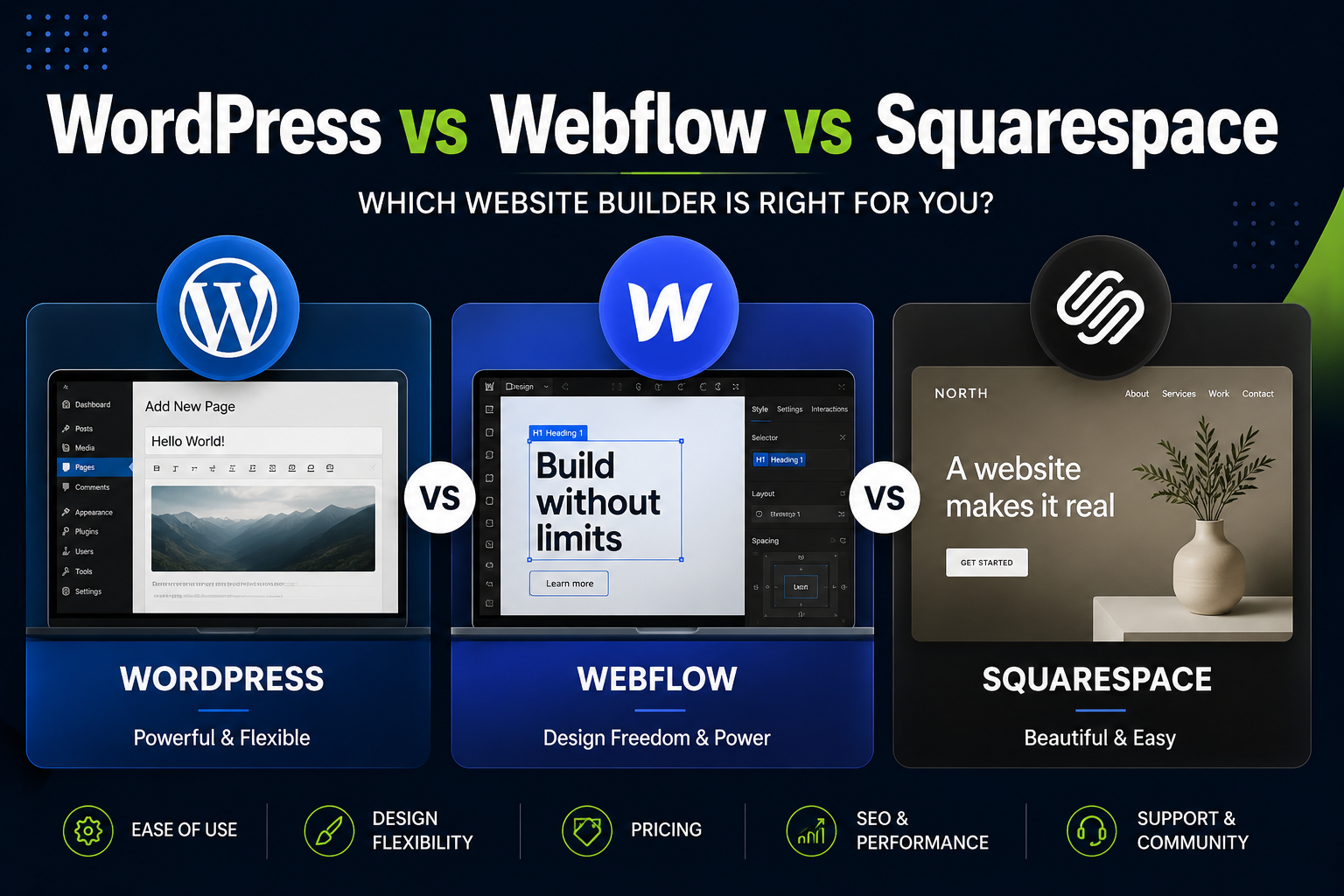
If you’re building or rebuilding a business website, the platform you choose isn’t just a technical detail — it determines how much control you have, how much it costs over time, how well it performs in search, and how easily it can grow with your business.
WordPress, Webflow, and Squarespace are three of the most common choices, and each has genuine strengths. The problem is that most comparisons online are written by people affiliated with one platform, which makes the “winner” predictable before you even read the article.
At De Viannies Studio, we build websites primarily on WordPress as part of our web development service, but we’ve also worked with clients migrating from Webflow and Squarespace—so we’ve seen the real strengths and limitations of each, not just the marketing claims. Here’s an honest breakdown.
Quick overview: what each platform is built for
WordPress is open-source software that powers roughly 40% of all websites globally. It’s highly flexible, supported by a massive ecosystem of themes and plugins, and can be hosted anywhere. It requires more setup but offers the most control.
Webflow is a visual website builder aimed at designers who want pixel-precise control without writing code. It’s hosted entirely on Webflow’s platform and has grown popular for marketing sites and landing pages.
Squarespace is an all-in-one website builder aimed at simplicity—templates, hosting, and tools bundled together, designed for users who want to manage everything themselves with minimal technical knowledge.
Cost comparison
WordPress
WordPress itself is free, but costs come from hosting, themes, plugins, and (often) a developer for setup and maintenance.
- Hosting: $5–$50/month depending on quality and traffic
- Domain: $10–$20/year
- Premium theme (optional): $0–$200 one-time
- Plugins (forms, SEO, security, etc.): $0–$300/year combined
- Development/design: Varies — DIY is possible, but professional builds typically run $1,500–$10,000+
Webflow
Webflow bundles hosting into its pricing tiers.
- Site plans: $14–$39/month for basic sites, more for e-commerce or higher traffic
- Workspace/seat costs: Additional if multiple team members need edit access
- Design/development: Webflow’s visual builder reduces some development cost, but professional builds still typically run $2,000–$8,000+ for custom designs
Squarespace
Squarespace is the most bundled option.
- Plans: $16–$49/month depending on features (e-commerce plans cost more)
- Domain: Often included in the first year
- Design/development: Lower than the other two if using templates as-is; custom work still requires a designer
Bottom line on cost: Squarespace and Webflow have more predictable monthly costs but less room to reduce spend over time. WordPress has more setup variability but tends to be more cost-effective long-term, especially as a site scales, because you’re not locked into a platform’s pricing tiers.
Flexibility and customisation
WordPress
This is WordPress’s biggest strength. With access to its full theme and plugin ecosystem (and custom code when needed), nearly anything is possible — custom functionality, complex integrations, membership systems, booking systems, multilingual sites, and more. The tradeoff is that more flexibility means more decisions, and a poorly built WordPress site (too many plugins, bad hosting, no maintenance) can become slow or insecure.
Webflow
Webflow offers excellent design flexibility within its visual builder — designers can achieve highly custom layouts and animations without code. However, functionality beyond design (complex e-commerce logic, custom backend features, certain integrations) is more limited, and you’re dependent on Webflow’s platform and pricing structure indefinitely.
Squarespace
Squarespace is the most limited of the three. Templates are polished but constrain layout options, and customization beyond what the platform allows typically requires custom code workarounds that can break with platform updates. It’s well-suited for simple sites—portfolios, small service businesses, and basic e-commerce—but becomes restrictive as needs grow.
SEO and performance
All three platforms can rank well—SEO success depends more on content, technical setup, and ongoing optimization than the platform itself. But there are differences worth knowing:
WordPress has the most mature SEO ecosystem, with plugins like Yoast and RankMath providing granular control over metadata, schema markup, sitemaps, and technical SEO settings. Performance depends heavily on hosting quality and how the site is built—a well-optimized WordPress site is very fast, but a bloated one (too many plugins, unoptimized images) can be slow.
Webflow has solid built-in SEO basics (clean code output, customizable metadata) and generally strong performance since hosting is managed by Webflow’s infrastructure. Some advanced SEO features (certain schema types and granular technical control) are more limited than WordPress.
Squarespace has improved its SEO tools significantly but still offers less granular control than WordPress, particularly for schema markup and advanced technical SEO. Performance is generally adequate for simpler sites.
Bottom line on SEO: For businesses planning significant content marketing (blogs, resource hubs, landing page variations), WordPress’s flexibility with SEO plugins and schema markup gives it an edge. For simpler sites with fewer pages, the gap matters less.
Ease of use and maintenance
WordPress
The steepest learning curve of the three, particularly for non-technical users. Updates (core, themes, plugins) need to be managed to avoid security issues, and a poorly maintained WordPress site is more vulnerable than the other two platforms. Many businesses work with a developer or agency for ongoing maintenance, which is part of why WordPress development is a core service for studios like ours.
Webflow
Easier than WordPress for design changes (visual, no-code editing), but the underlying logic of Webflow’s builder has its own learning curve, especially for complex interactions. Maintenance is largely handled by Webflow’s platform, reducing security concerns.
Squarespace
The easiest of the three for non-technical users to manage day-to-day—content updates, basic design tweaks, and e-commerce management are all designed to be self-service. This ease comes at the cost of flexibility, as discussed above.
Comparison summary
| Factor | WordPress | Webflow | Squarespace |
|---|---|---|---|
| Best for | Businesses needing flexibility, content marketing, custom features | Design-focused marketing sites, landing pages | Simple sites, portfolios, small service businesses |
| Long-term cost | Lower at scale, variable upfront | Predictable, can add up with seats/traffic | Predictable, bundled |
| Customisation | Highest | High (design), moderate (functionality) | Lowest |
| SEO control | Most granular | Good | Adequate |
| Learning curve | Steepest | Moderate | Easiest |
| Maintenance | Requires management | Mostly handled by platform | Fully handled by platform |
| Scalability | Highest | Moderate | Lower |
Which platform should you choose?
Choose WordPress if you’re planning ongoing content marketing (a blog, resource hub, or regular SEO-driven content); need custom functionality (booking systems, membership areas, or integrations); or expect your site to grow significantly in complexity over the next few years. The setup investment pays off through flexibility and long-term cost efficiency.
Choose Webflow if: Your priority is a highly polished, custom-designed marketing site or landing pages; your needs are primarily front-end/design-focused rather than complex backend functionality; and you’re comfortable with an ongoing platform subscription.
Choose Squarespace if: You’re a small business or solo entrepreneur who needs a clean, professional site quickly; your needs are simple (portfolio, basic service pages, simple e-commerce); and you want to manage everything yourself without technical support.
Why we build primarily on WordPress at De Viannies Studio
Most of the businesses we work with are growing—they’re not just building a website, they’re building a platform for ongoing marketing, lead generation, and content. WordPress gives us (and them) the flexibility to build exactly what’s needed now, while leaving room to add functionality later without migrating platforms.
That said, the “right” platform genuinely depends on the business. Part of our process when building a website involves understanding what a client needs now and over the next 2–3 years, so the platform choice supports growth rather than becoming something to migrate away from later.
If you’re trying to decide between platforms—or you’re on Squarespace or Webflow and feeling the limits—book a free 15-minute call and we’ll give you an honest read on what makes sense for your situation.
You can also see examples of websites we’ve built in our portfolio, and if budget predictability matters, our design subscription includes WordPress development alongside ongoing design work for a flat monthly fee.
Frequently asked questions
Is WordPress better than Webflow for SEO?
WordPress generally offers more granular SEO control through plugins like Yoast and RankMath, particularly for schema markup, technical SEO, and managing large amounts of content. Webflow has solid built-in SEO fundamentals and strong performance but offers less granular control for advanced technical SEO. For businesses planning significant content marketing, WordPress’s ecosystem gives it an edge.
Is Squarespace good enough for a small business website?
Yes, for simple needs. Squarespace works well for portfolios, small service businesses, and basic e-commerce where ease of use matters more than customization. It becomes limiting as a business grows and needs more advanced functionality, custom integrations, or fine-grained SEO control.
Which platform is cheapest in the long run?
It depends on usage. Squarespace and Webflow have predictable monthly costs that can add up over years without offering more capability in return. WordPress has more variable upfront costs (hosting, development) but tends to be more cost-effective at scale since you’re not paying platform fees that increase with traffic or features.
Can I switch platforms later if I start with Squarespace or Webflow?
Yes, but migrating platforms involves rebuilding the site, redirecting URLs to preserve SEO rankings, and migrating content. This is a meaningful project, not a simple export/import in most cases. Choosing a platform with your medium-term needs in mind reduces the likelihood of needing to migrate later.
Does De Viannies Studio only work with WordPress?
WordPress is our primary platform for website builds because of its flexibility and long-term value for growing businesses, and it’s included in our design subscription. We’re happy to discuss your specific situation, including if you’re currently on another platform, during a free consultation.
Is WordPress better than Webflow for SEO? WordPress generally offers more granular SEO control through plugins like Yoast and RankMath, particularly for schema markup and technical SEO. Webflow has solid built-in SEO fundamentals and strong performance, but less granular control for advanced technical SEO. For significant content marketing, WordPress's ecosystem gives it an edge.
Is Squarespace good enough for a small business website? Answer: Yes, for simple needs such as portfolios, small service businesses, and basic e-commerce where ease of use matters more than customisation. It becomes limiting as a business grows and needs more advanced functionality or fine-grained SEO control.
Which platform is cheapest in the long run? Answer: Squarespace and Webflow have predictable monthly costs that can add up over years without added capability. WordPress has more variable upfront costs but tends to be more cost-effective at scale since there are no platform fees that increase with traffic or features.
Can I switch platforms later if I start with Squarespace or Webflow? Yes, but migrating platforms involves rebuilding the site, redirecting URLs to preserve SEO rankings, and migrating content. This is a meaningful project, so choosing a platform with medium-term needs in mind reduces the likelihood of needing to migrate later.
Does De Viannies Studio only work with WordPress? WordPress is De Viannies Studio's primary platform for website builds due to its flexibility and long-term value, and it is included in their design subscription. They are happy to discuss specific situations, including businesses currently on other platforms, during a free consultation.
